
Inside the Master Lock Vault Enterprise Software you can create up to three individual notifications on each lock box for Battery Life, Lock Opened, or both. Notifications can only be managed in the web (www.enterprise.masterlockvault.com)
Setting Up Notifications:
- Sign in to your organization in Master Lock Vault Enterprise (www.enterprise.masterlockvault.com)
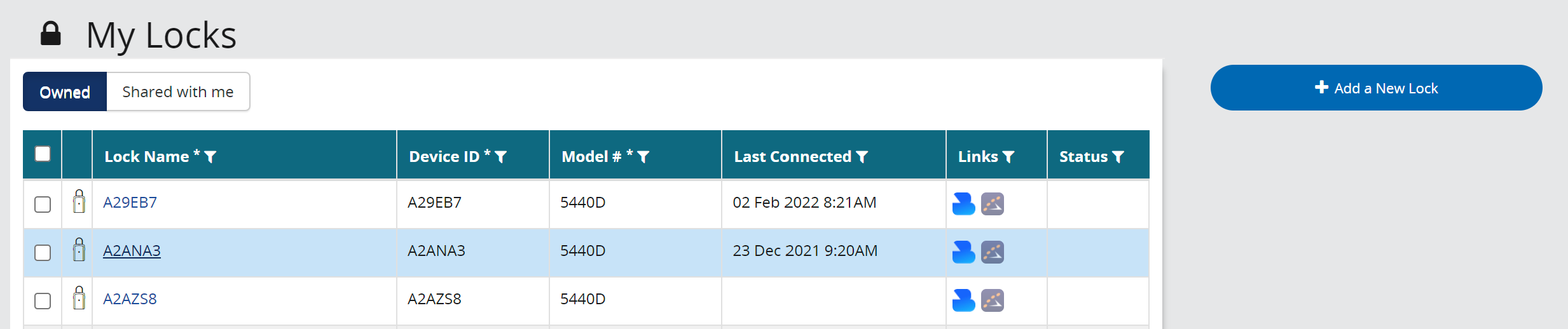
- Select the lock box from the Lock List.
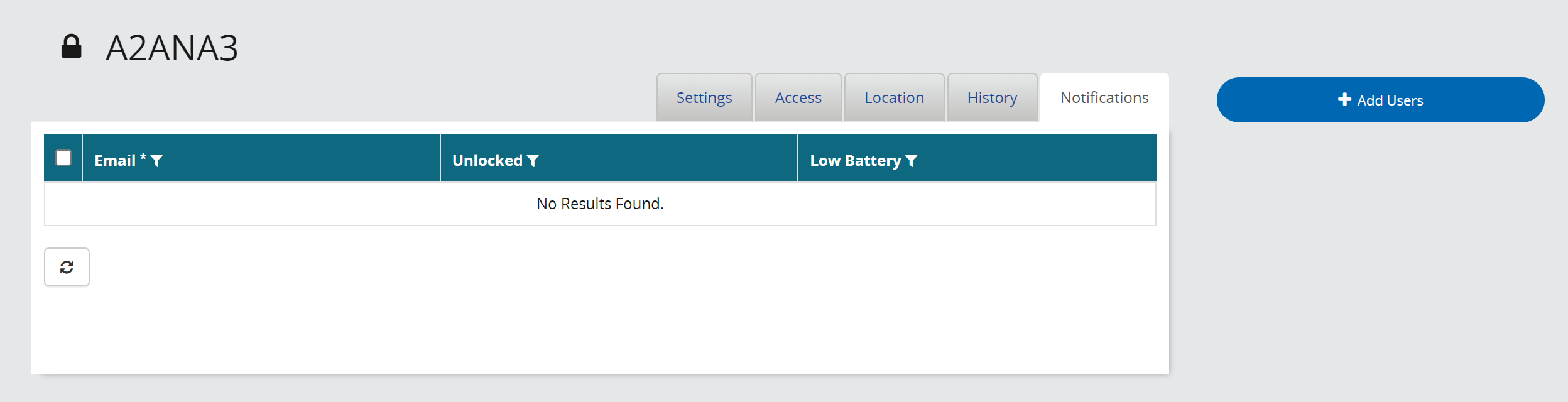
- Click on the Notifications Sub-tab.
- Add up to three users to the notification list
- Select the Notification you wish for them to receive.
Comments
0 comments
Article is closed for comments.